

c
First-Time Setup
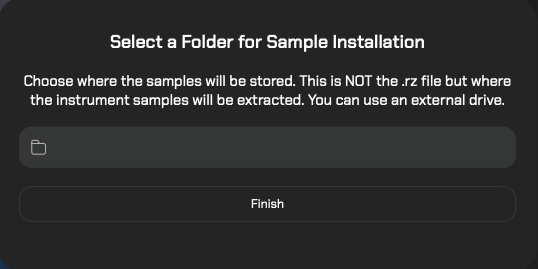
If this is your first time launching Raizes, a setup screen will appear.
Storage Location: You will be asked to select a destination for your sample content.
Pro-Tip: You can choose an external drive to save space on your computer’s internal hard drive.
How to Install New Instruments
Follow these steps to add your new instruments to the library:
1. Sync Your Library
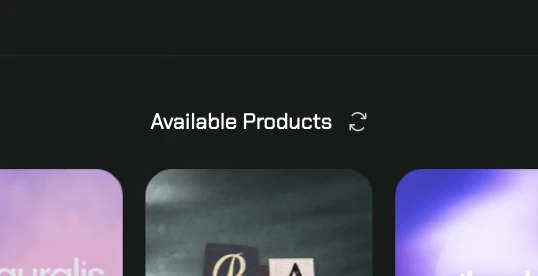
Open Raizes and navigate to Browse Instruments. Click the Refresh button to sync your account and display your recent purchases.
2. Download & Install
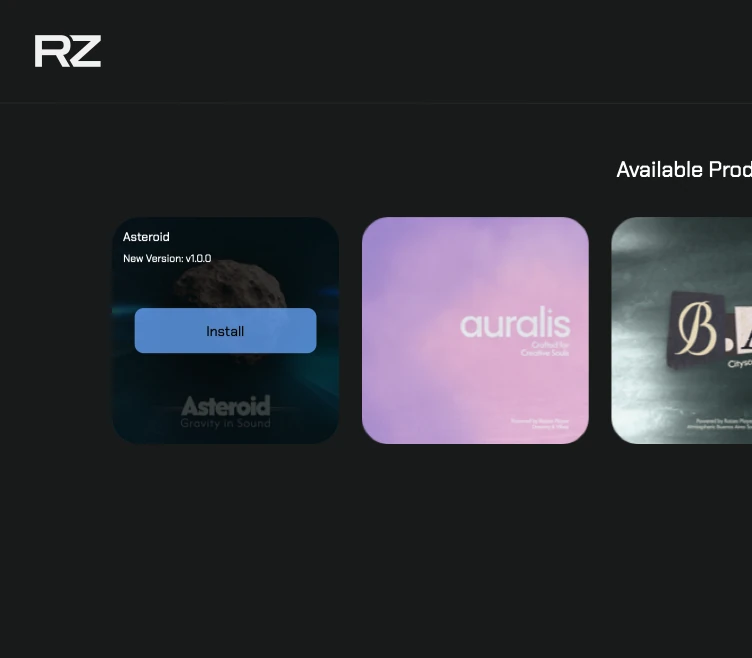
Click the Install button on the desired instrument.
Stay Active: Keep the tab open while the download is in progress to ensure it completes successfully.
Queueing: Please install instruments one at a time.
Quick Troubleshooting
Don’t see your purchase? Double-check that you are logged into the same account used for the purchase before clicking refresh.
Installation failed? Ensure you have enough disk space in the location you selected during the first-time setup.

We use cookies to enhance your experience, analyze site traffic, and personalize content. By accepting, you help us show you more relevant offers and improve your overall experience.